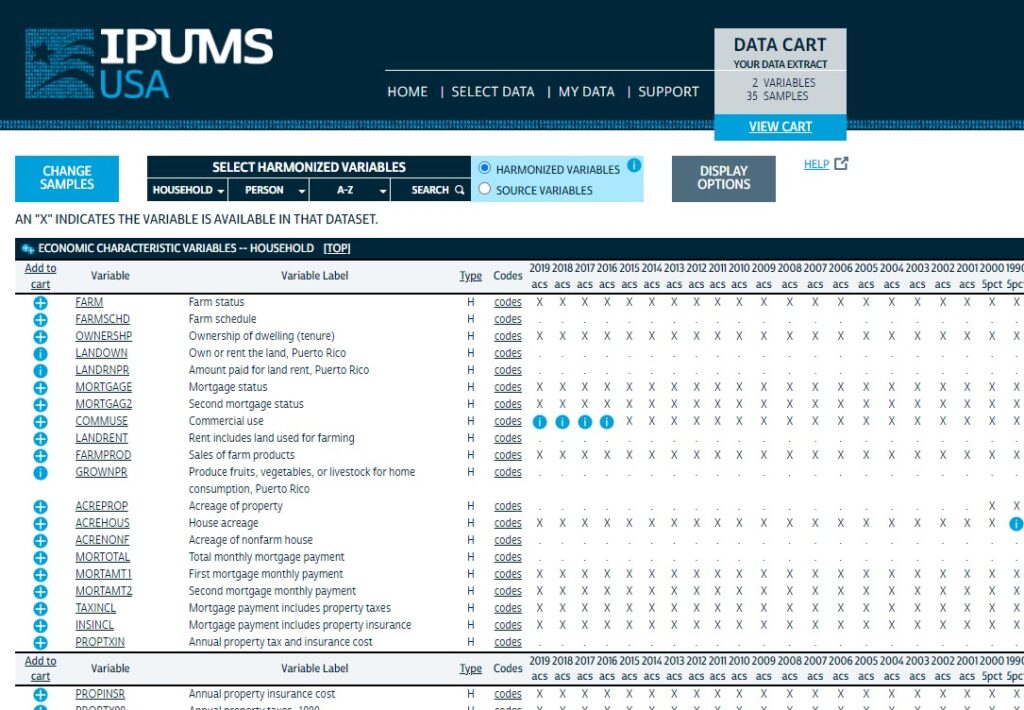
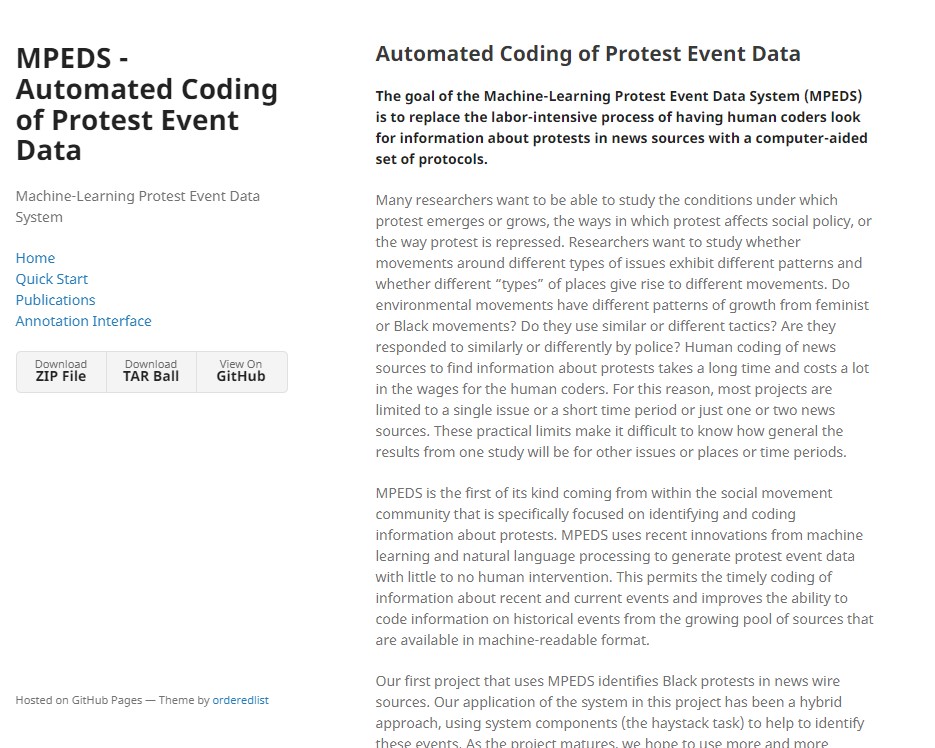
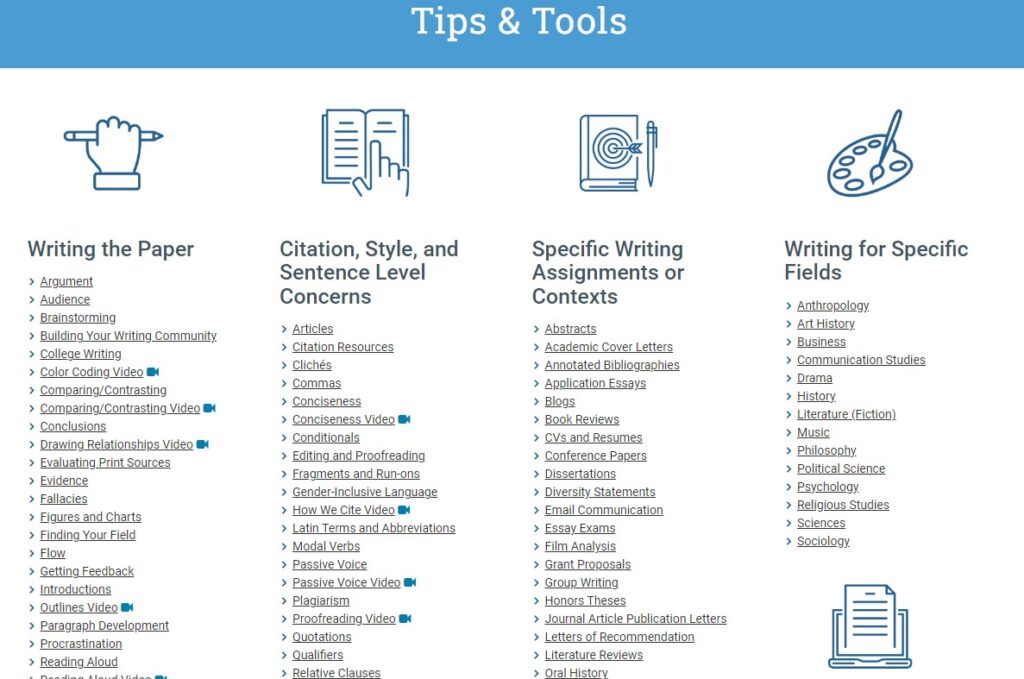
Below are a list of resources that I have found to be invaluable as an academic. I am developing this page for other academics, as much as I am creating it for myself, as an easy reference of links that I may easily forget. I am also including a “last updated” column because I recognize that many websites change or disappear. So, if a link doesn’t work, I would use a search engine to see if someone else might have similarly fulfilled that particular need for academics.
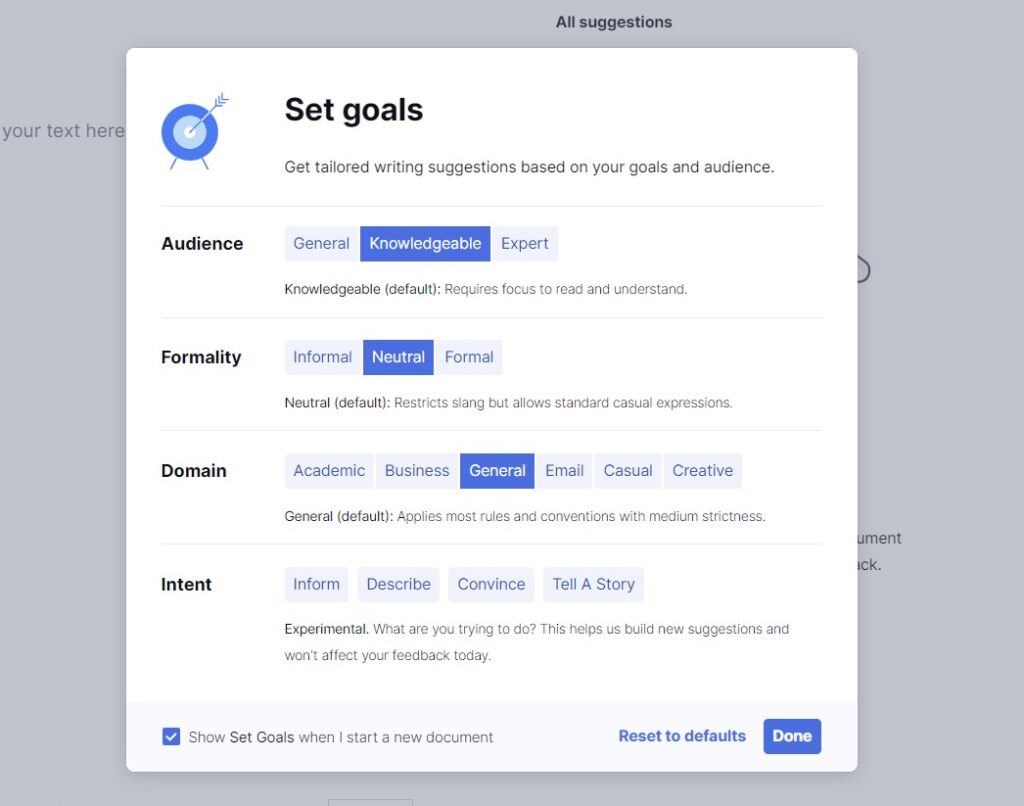
Grammarly is a writing-assistance tool that checks grammar, punctuation, and style in written text, and suggests corrections and improvements. It can be used as a browser extension, desktop app, and mobile app and it can check text written in various platforms such as social media, messaging apps, and email. It helps writers to produce error-free, clear and effective writing, by identifying and correcting errors and providing suggestions for improvement.
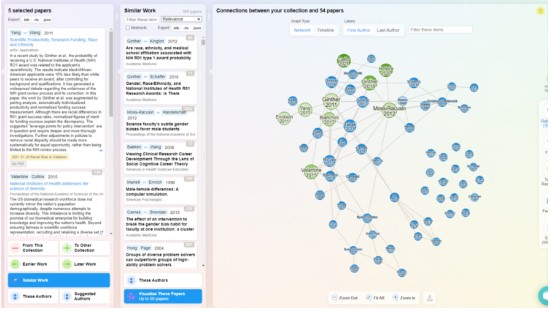
A powerful tool to see the connections within your [Zotero] bibliography, the citations they have in common, and any newer papers using your citations. It is not a perfect tool, with gaps in their database. But it is a helpful tool that might reveal new literature that you might not have been aware of before.
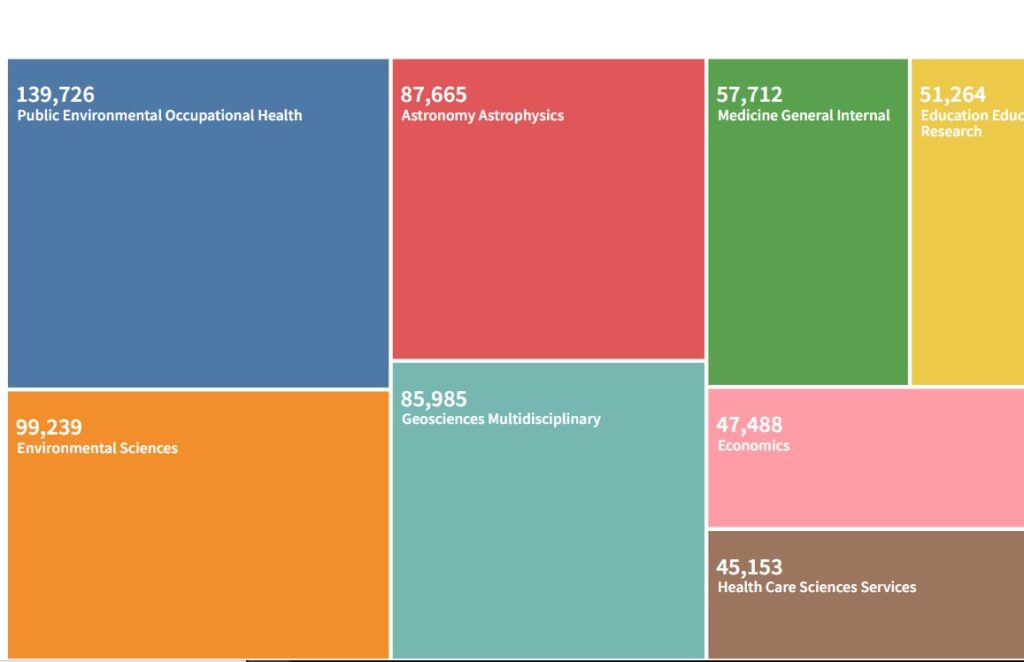
This website requires a subscription (typically provided through your university), but if you have access, I have found this website to be the most powerful research tool. It allows you to formulate complex queries, with a wide range of sorting functions and filters. It has the ability to export your saved results into an Excel, and you can even analyze your results by category. A must-use if you are doing academic research.
If you need to collaborate on a video for a presentation or a research project, Ssemble is an online collaborative video editor. Think of it like PowerPoint but for videos, making it a valuable tool for academic multimedia tasks. They also offer a free trial version for one project that is less than 5 minutes long.
This website provides curated annotated bibliographies for a wide range of topics. For example, if you want to know more about ‘norms’, Dr. Christine Horne (professor at WSU) has put together a short list of foundational readings to the topic. I make sure to visit this website at the early stages of exploring any new topic.
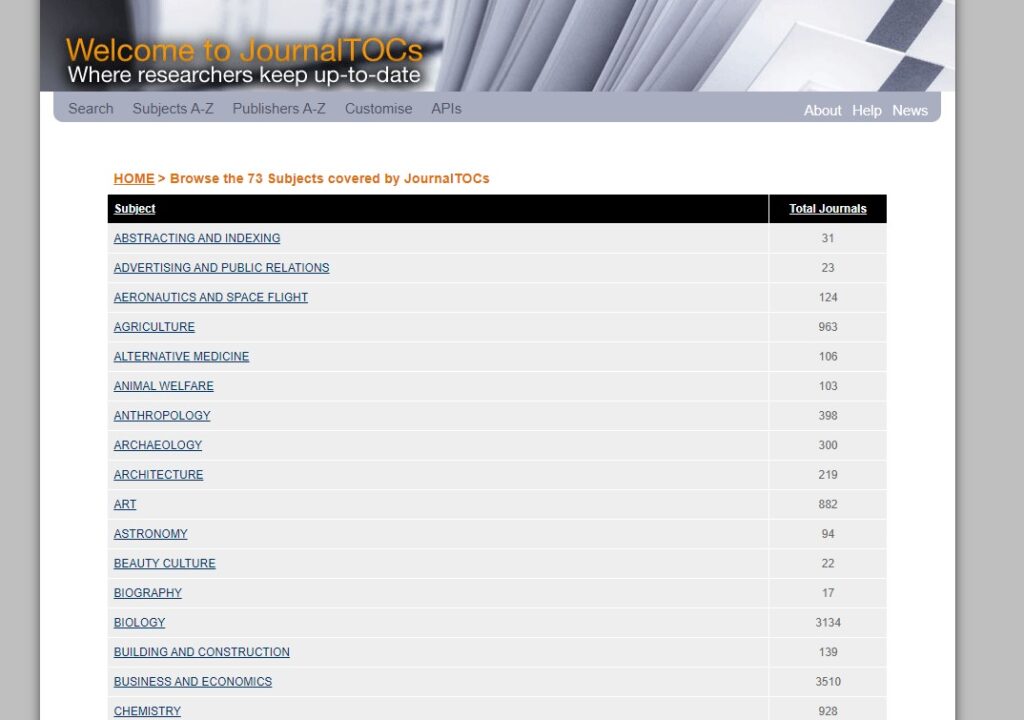
This website allows you to subscribe to a number of academic journals. You can then choose the frequency of which you will be informed of new publications in those journals. I use this website to help me keep up with the latest research in my field.
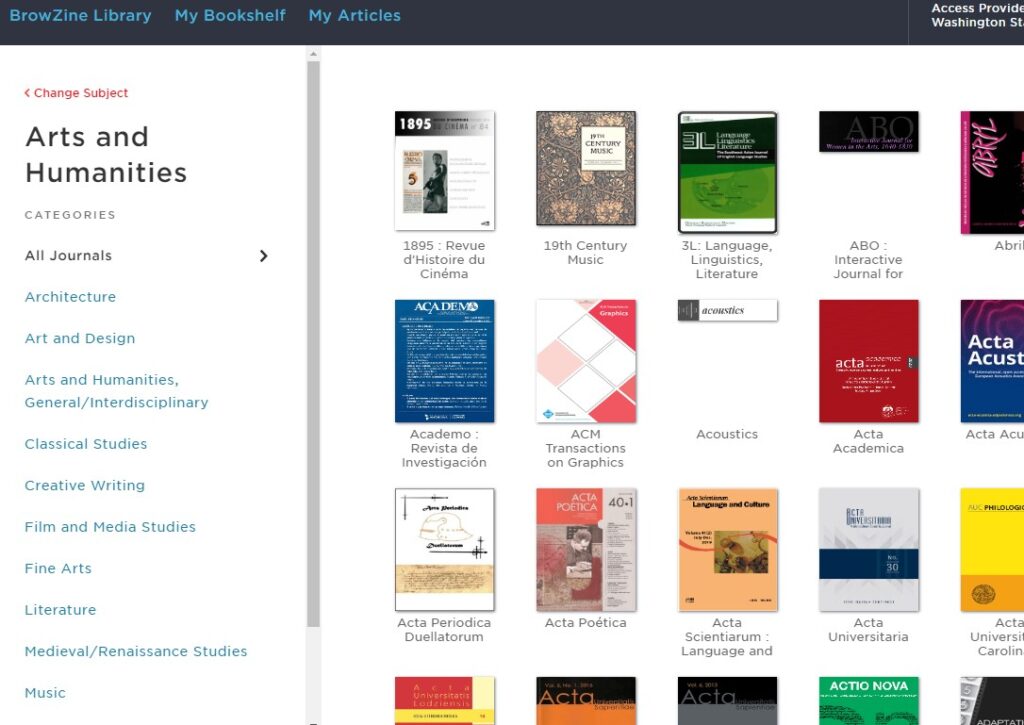
This website allows you to read through the articles in a number of journals, using their website or their dedicated tablet app. You will need a subscription (usually provided by your university).
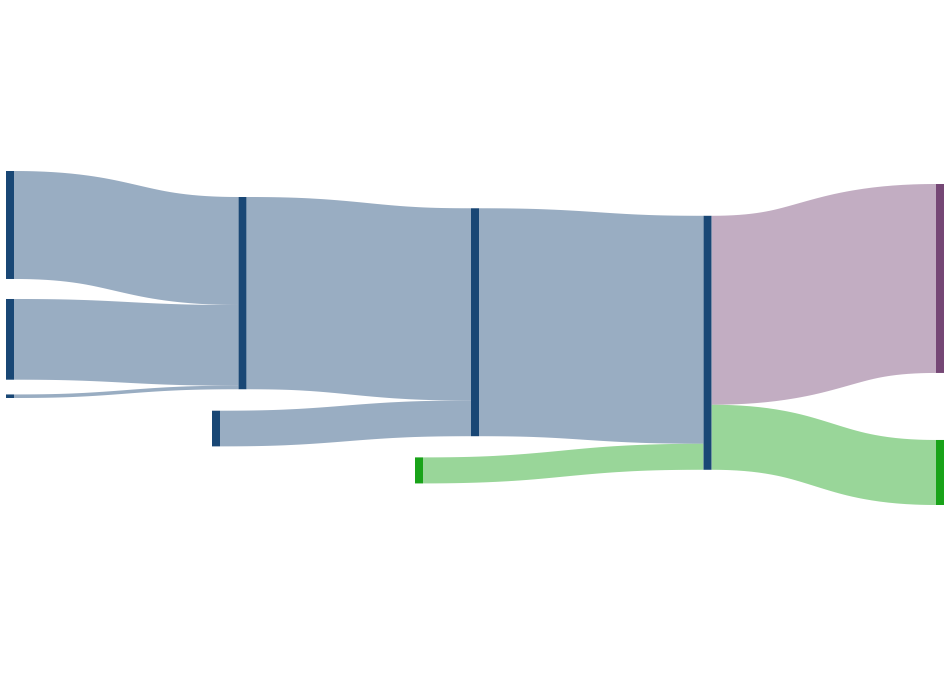
A Sankey diagram allows you to easily graph flows of data, where the height of each flow varies by the size of the data. I have found this form of graphing useful to keep track of how I have merged multiple data sources into a single file.
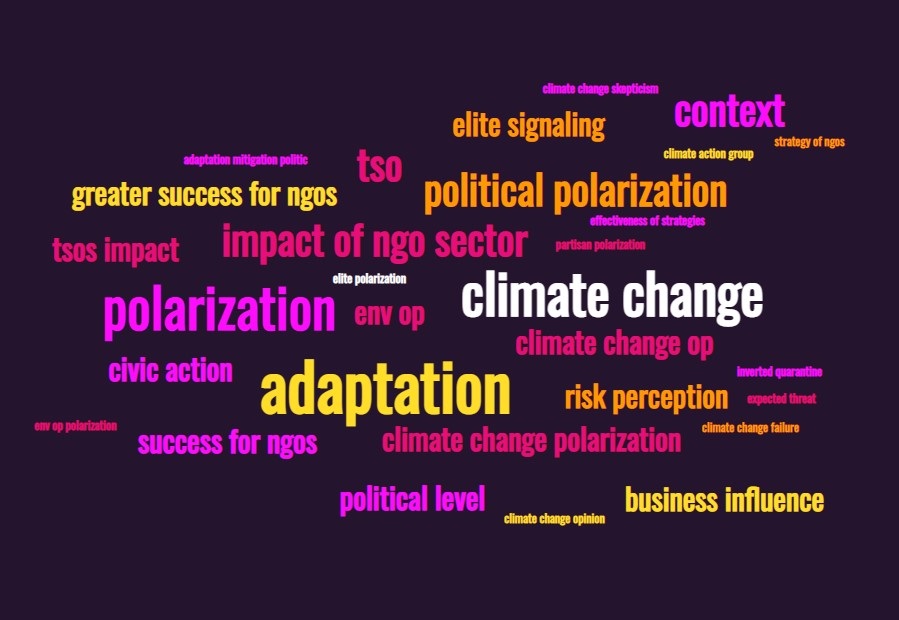
A word cloud shows a visual representation of the most common words in a list of words, with more common words appearing larger. If you are like me, and keep track of your readings in an excel file, you can simply highlight all of the cells in a column (say, if you have a column for ‘key words’), copy and paste into this website, and you will get a graph showing the most common keywords.
This website provides software that allows you to simulate various natural and social phenomena. I first learned about this website when a colleague of mine used it to map the concept of homophily in racially-segregated neighborhoods.